
Fill in one click
Click the GrailVault key in a password box and choose a login. It fills only on the website the login was saved for, and never by itself.
End-to-end encrypted · 14-day free trial
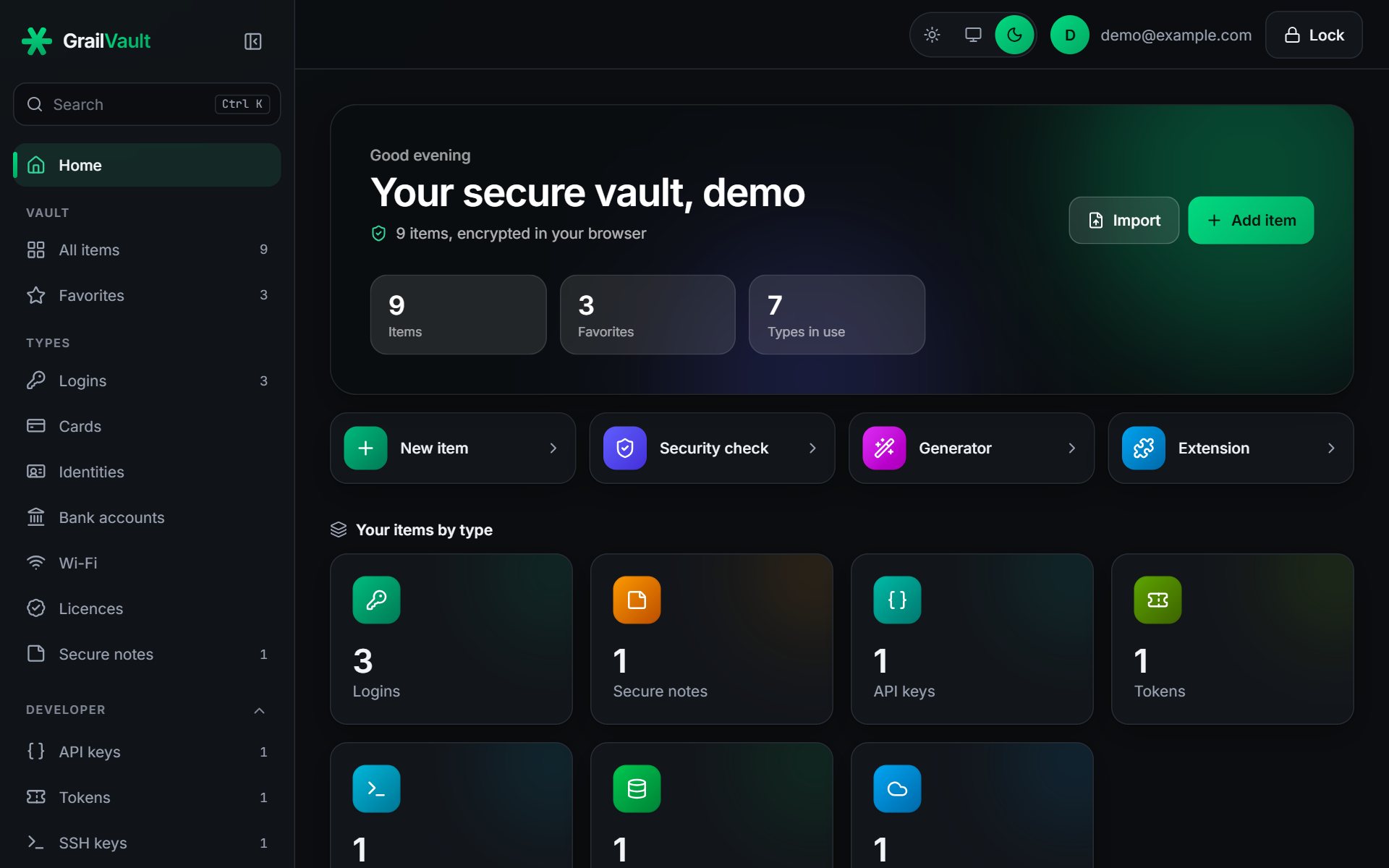
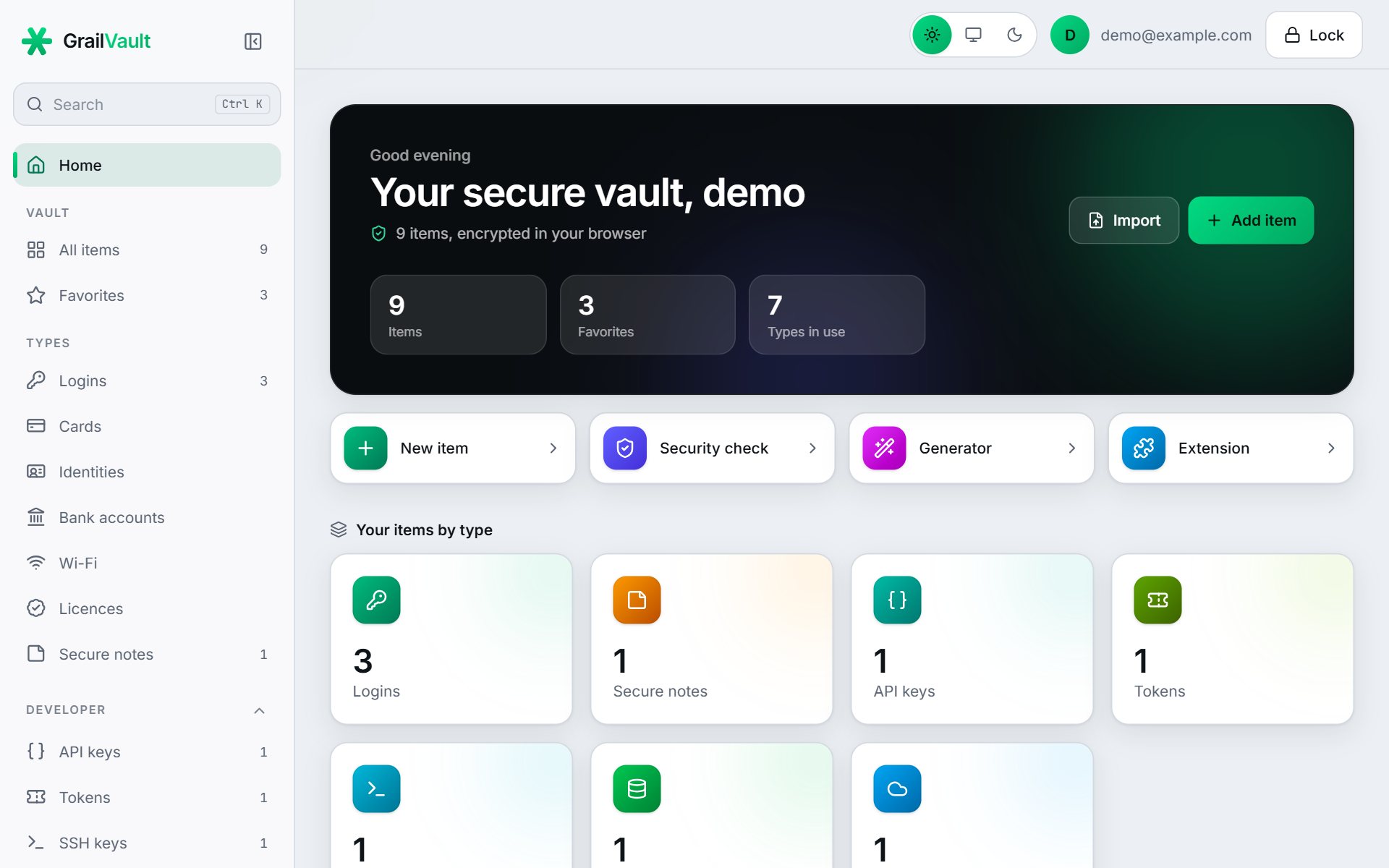
GrailVault fills your logins in one click, offers to save new ones as you sign in, and brings in the passwords your browser already has. Everything is encrypted on your device before it is stored, so even we cannot read it.
Features
The basics done properly, in an app that is easy to start with.
Click the GrailVault key in a password box and choose a login. It fills only on the website the login was saved for, and never by itself.
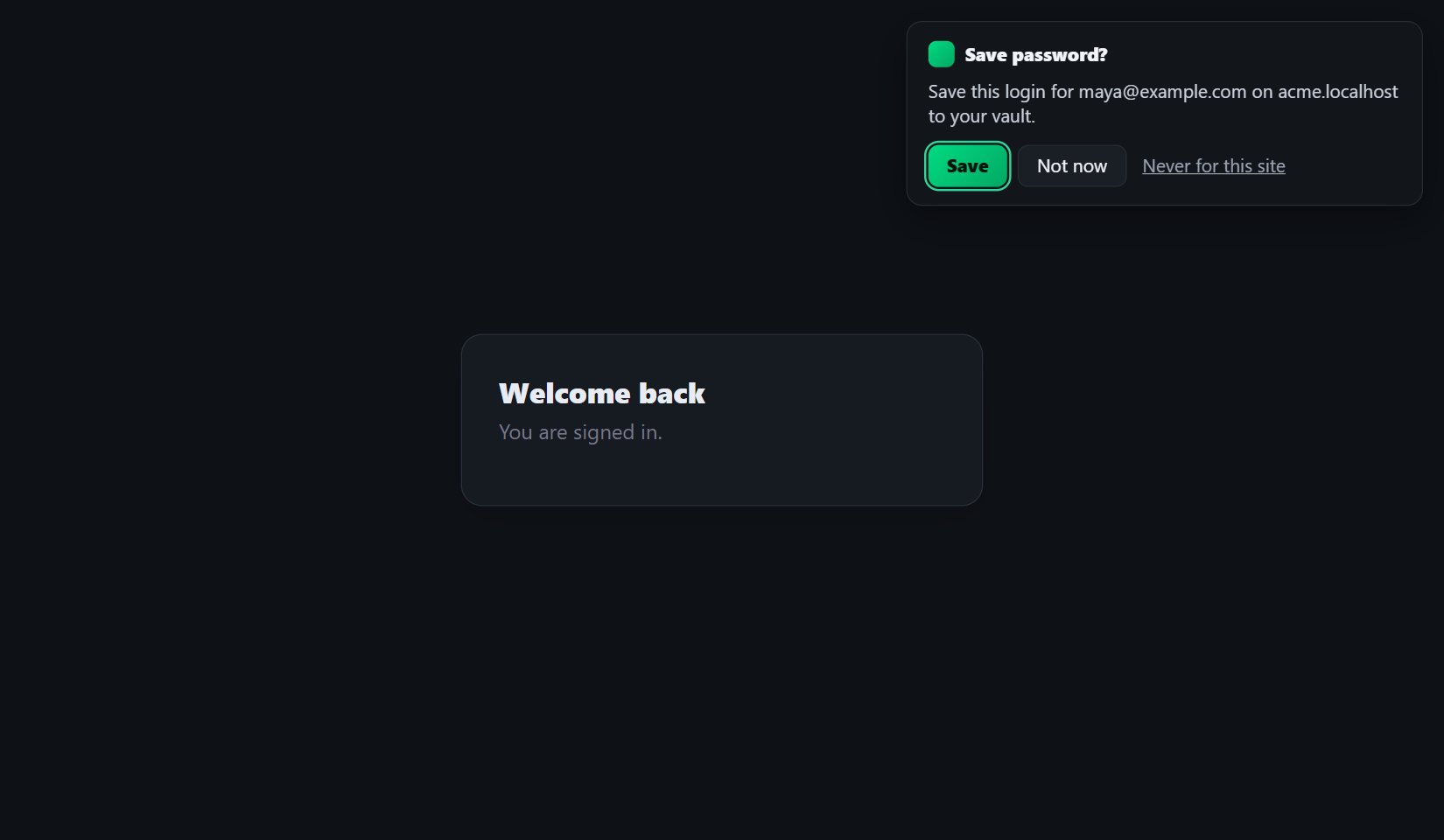
Sign up or sign in anywhere and GrailVault offers to save the login, or to update it when you change your password.
Import from Chrome, Edge, Firefox, Safari, Bitwarden, 1Password or LastPass. You see a preview first, and duplicates are skipped.
Names, usernames, notes and secrets are all encrypted on your device. We cannot read your vault, and neither can anyone who steals our database.
Find weak, reused and leaked passwords. The check runs on your device, and the breach lookup never reveals a password.
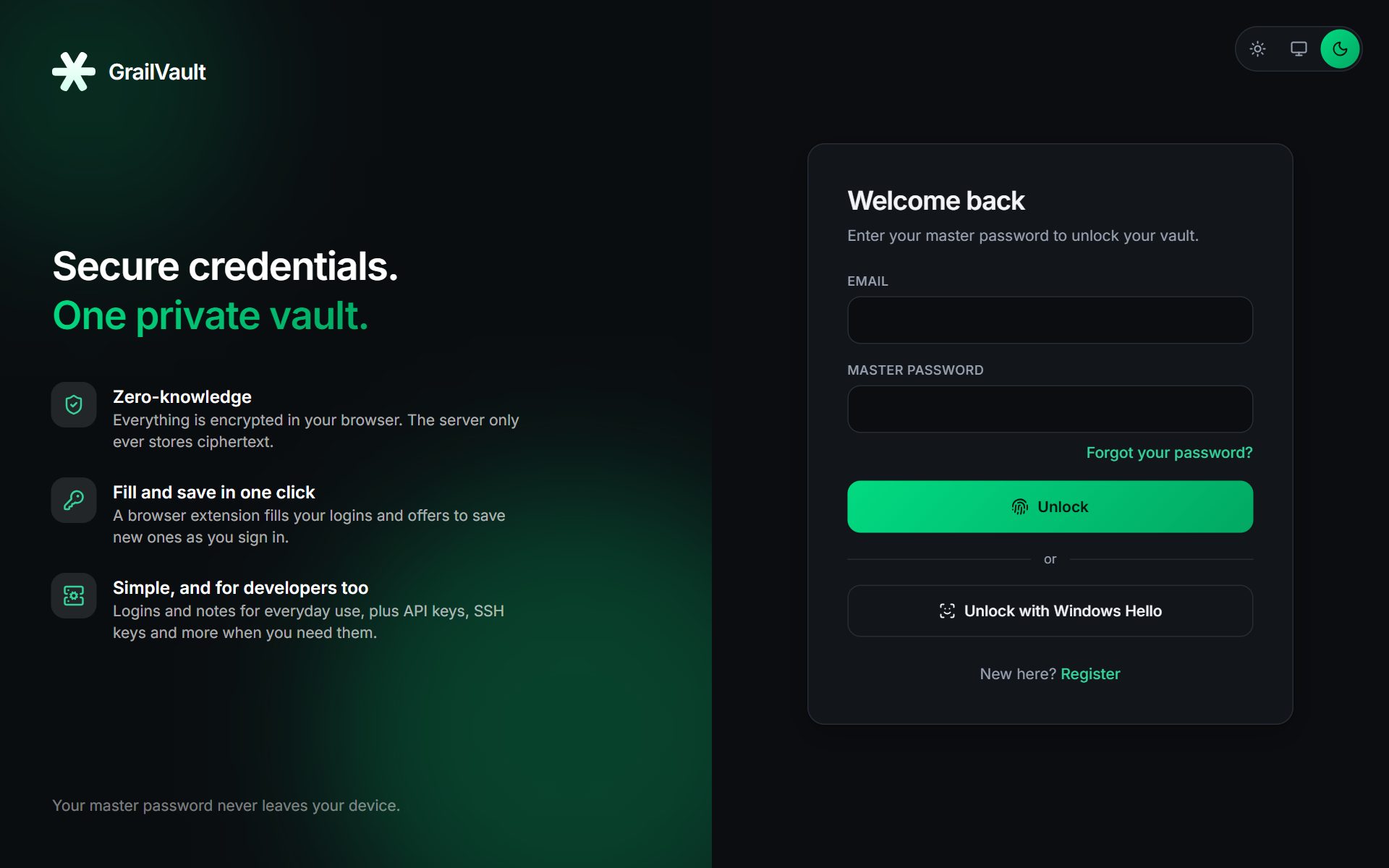
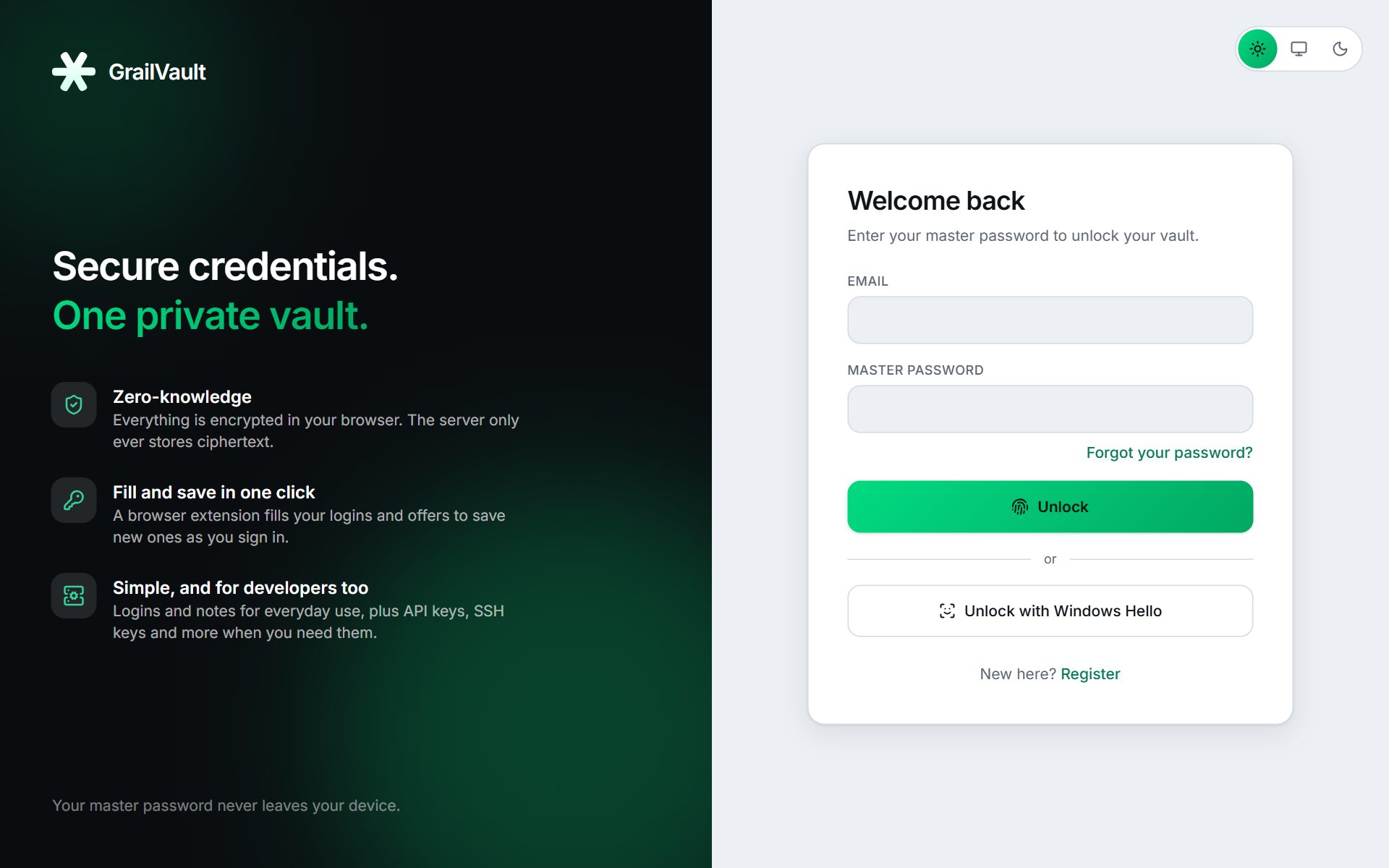
Use your master password, or unlock with Windows Hello. On phones and Apple devices, use the built-in lock where your browser supports it.
Forget your master password and your data is still safe: the one-time recovery key sets a new one without losing anything. Add an authenticator app for two-factor sign-in.
See every signed-in device and sign any out. A recent-activity list shows sign-ins and wrong-password attempts, so you can spot anything unfamiliar.
API keys, tokens, SSH keys, databases and cloud credentials have their own item types, tucked away until you need them.
Browser extension
The extension works where you do: on the sign-in page itself. It is careful by design, so the convenience does not cost you safety.
How it works
Your master password never leaves your device. Everything we store is scrambled with a key only you can rebuild.
It never leaves your browser and is never stored anywhere.
A slow, memory-hard function (Argon2id) turns your password into keys. A random vault key encrypts every item.
We keep scrambled data we cannot unscramble. Sign in on any device and your browser decrypts it locally.
Switching
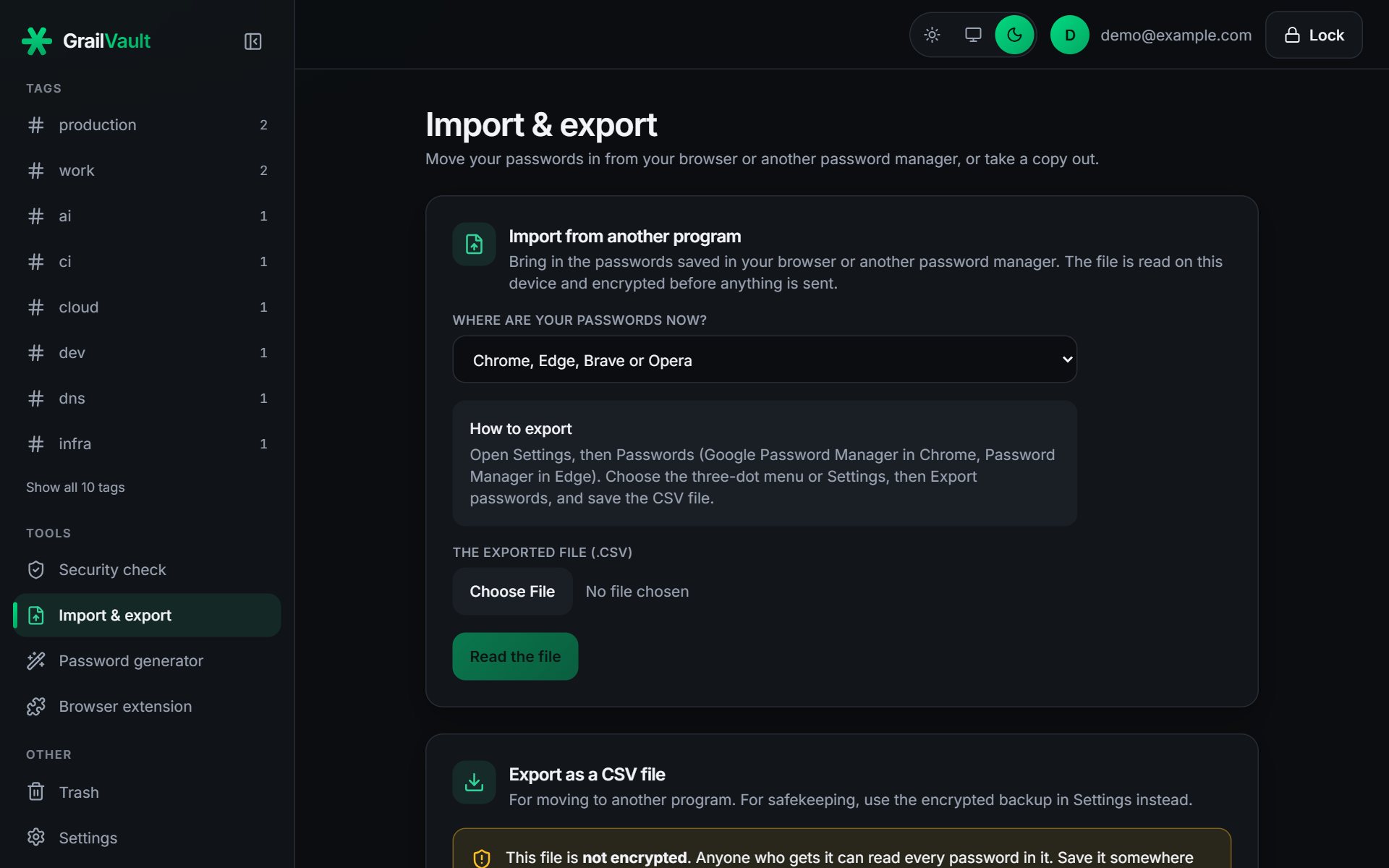
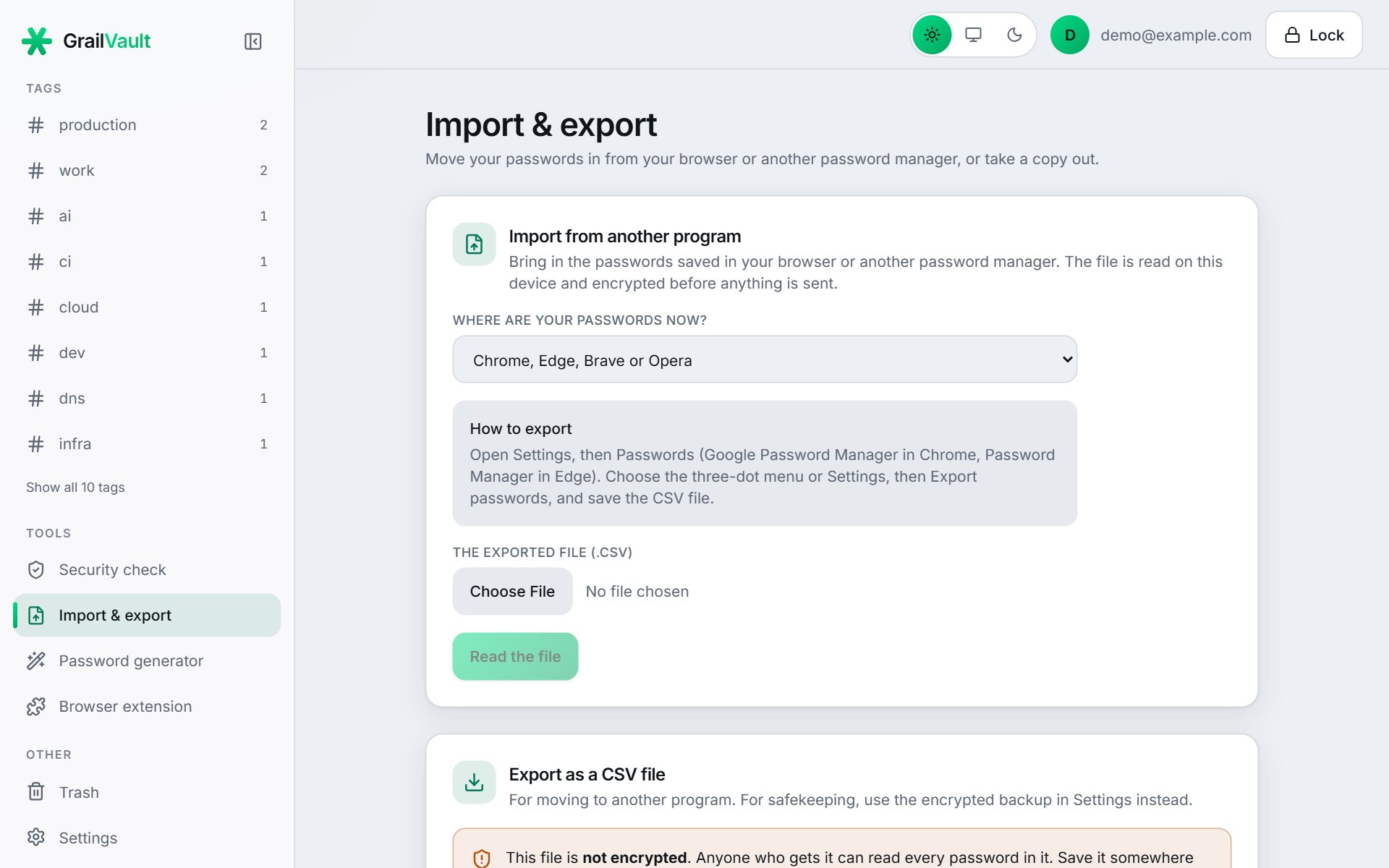
Export a file from your browser or password manager, choose it in GrailVault, check the preview and import. The file is read on your device and encrypted before anything is sent.
Designed to be used
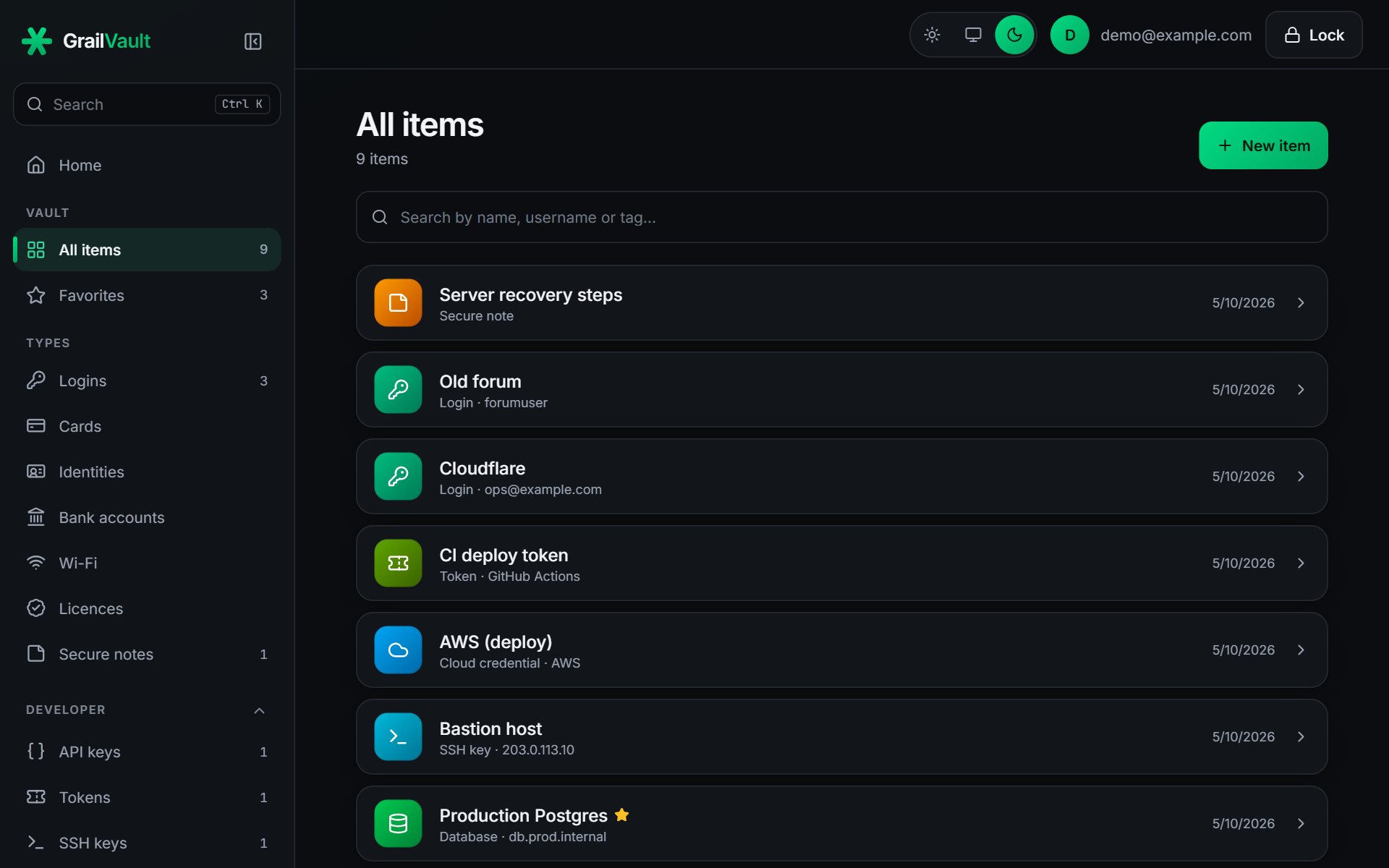
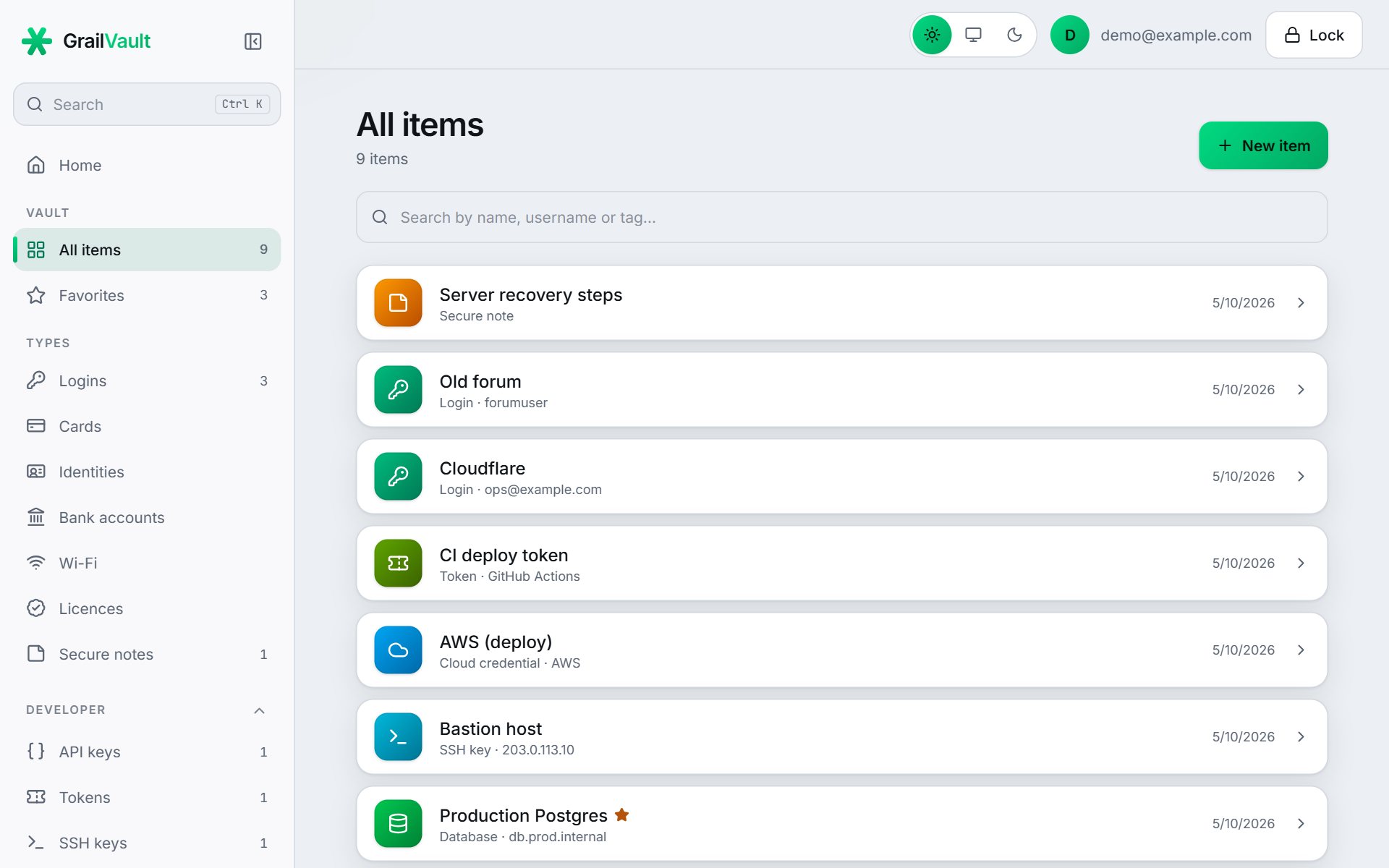
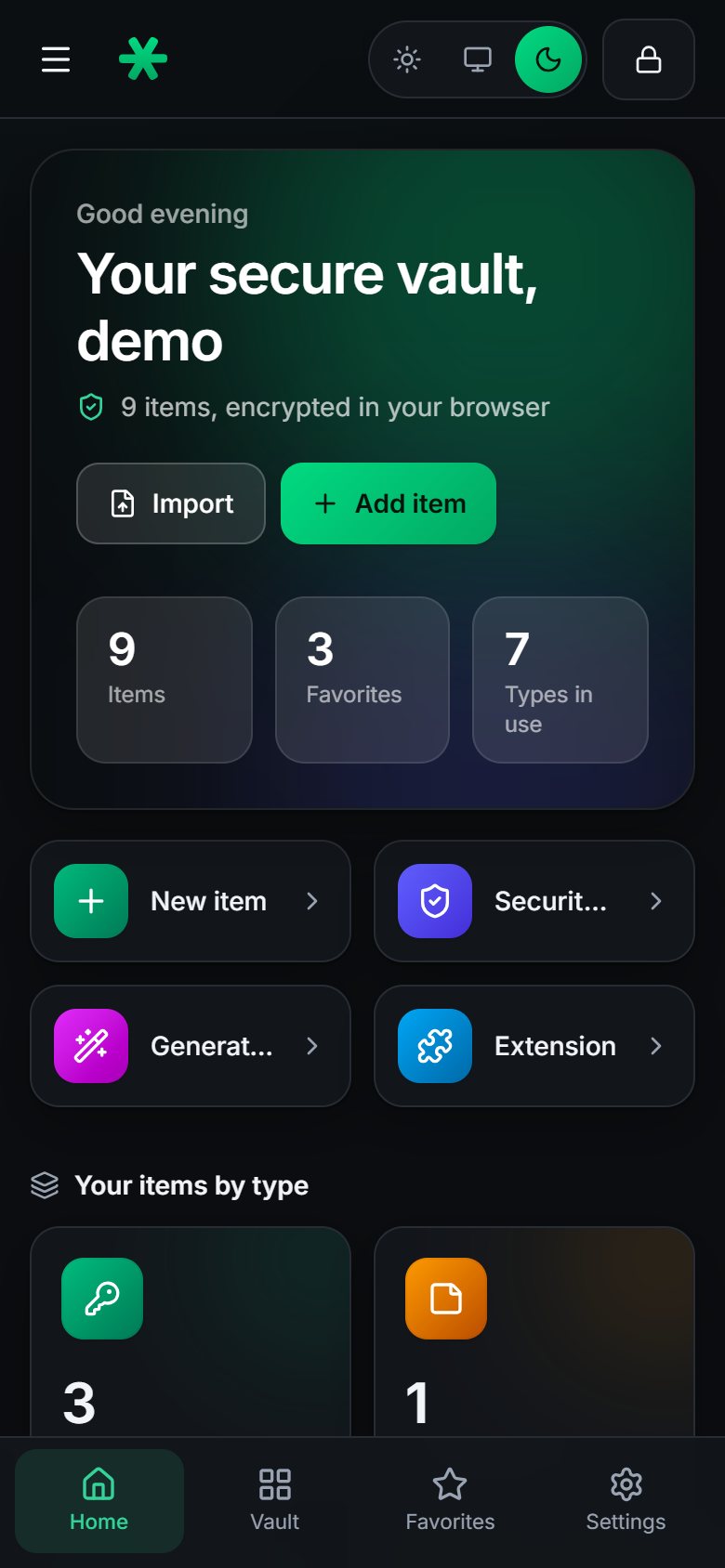
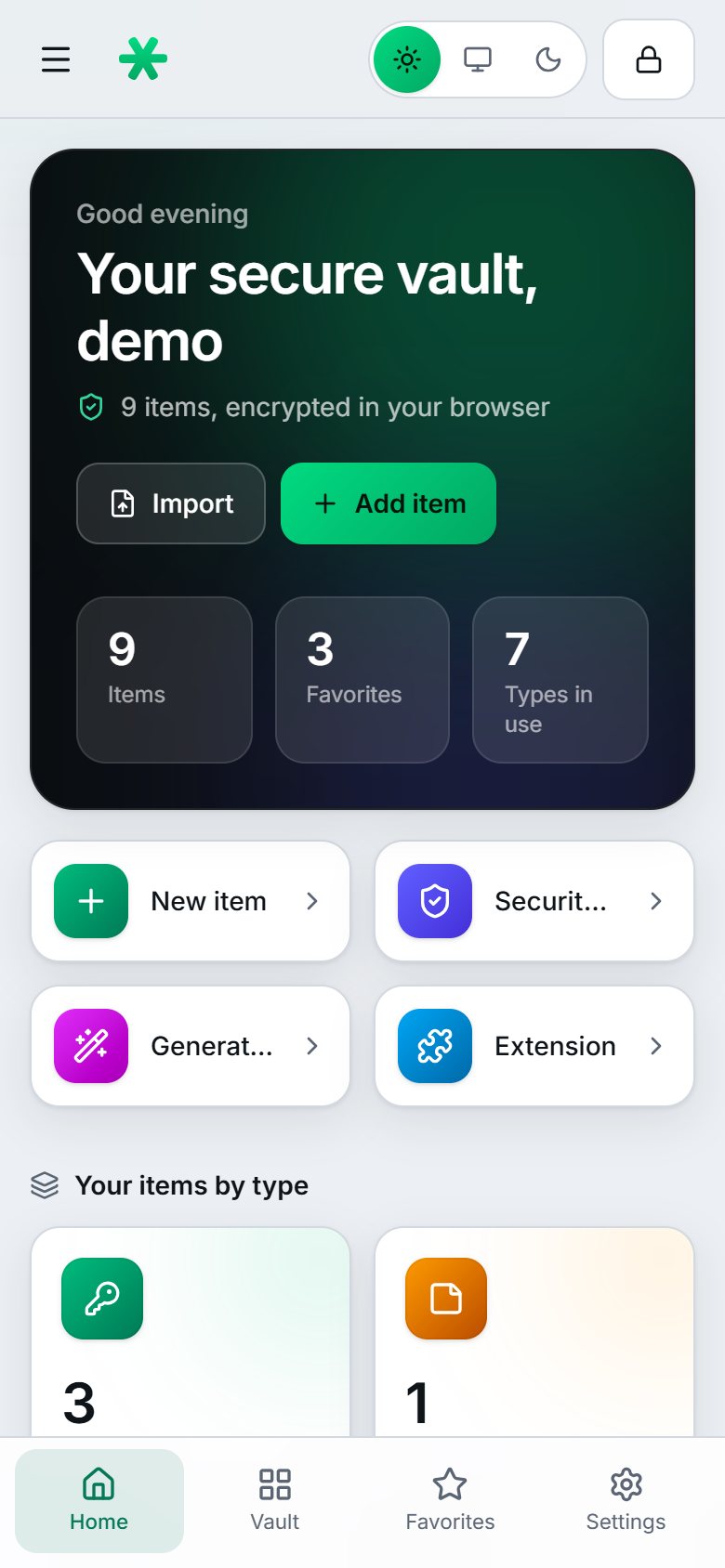
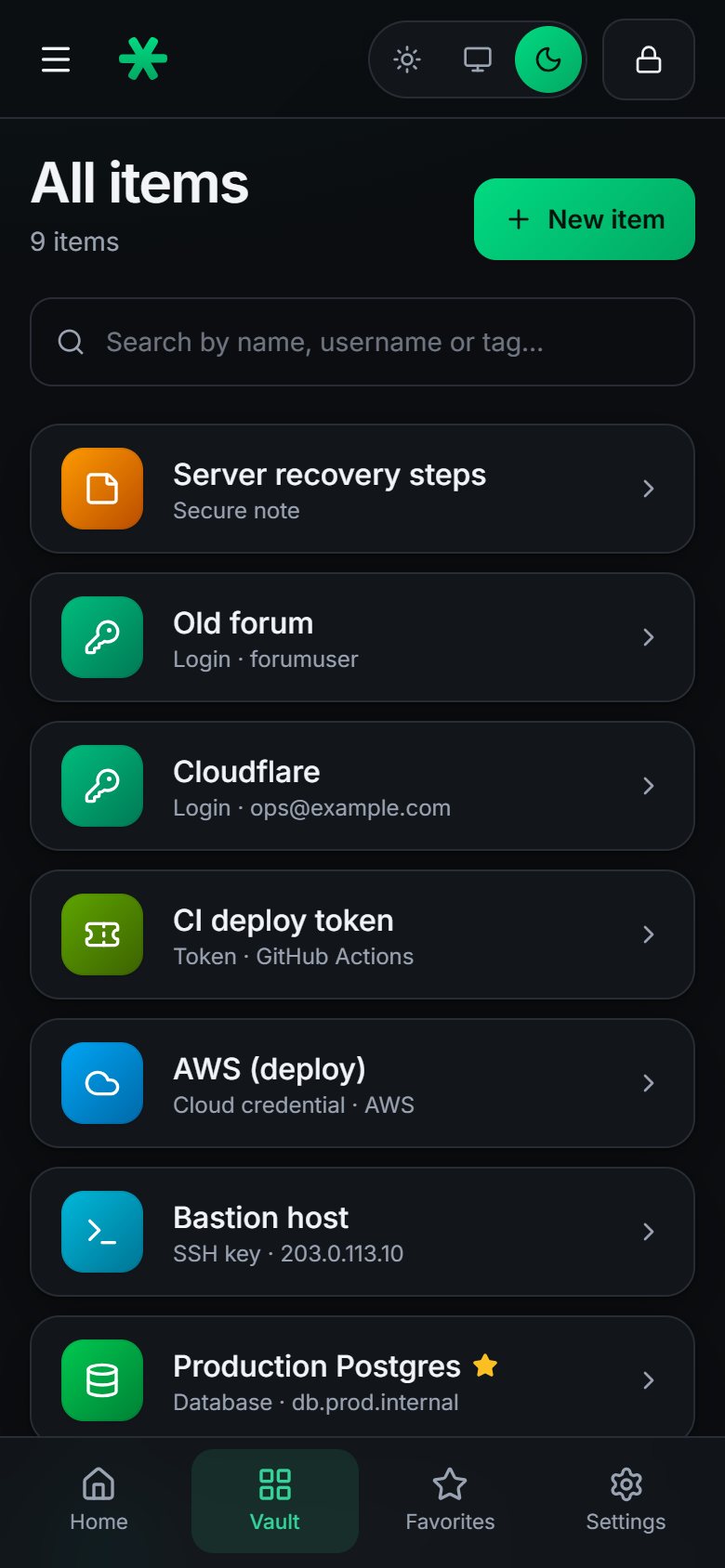
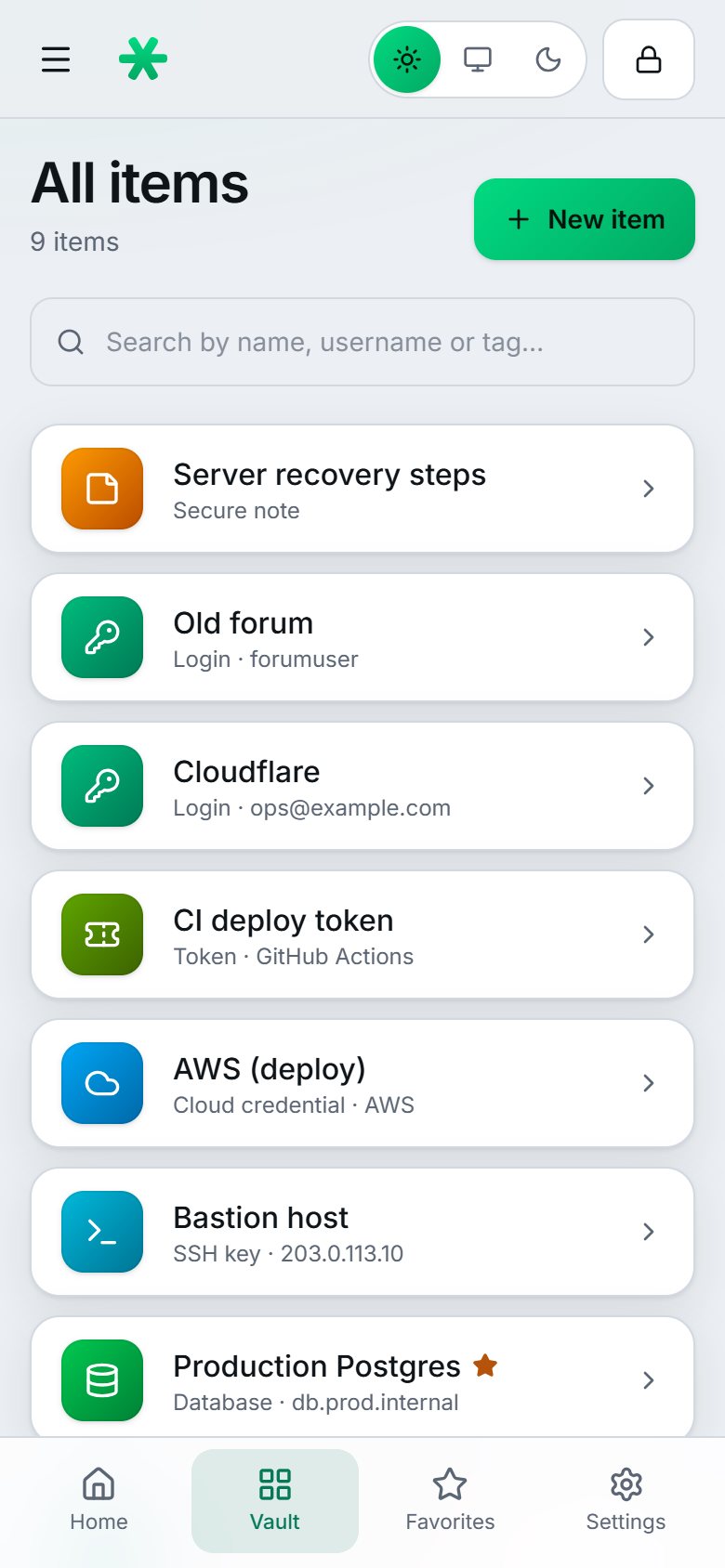
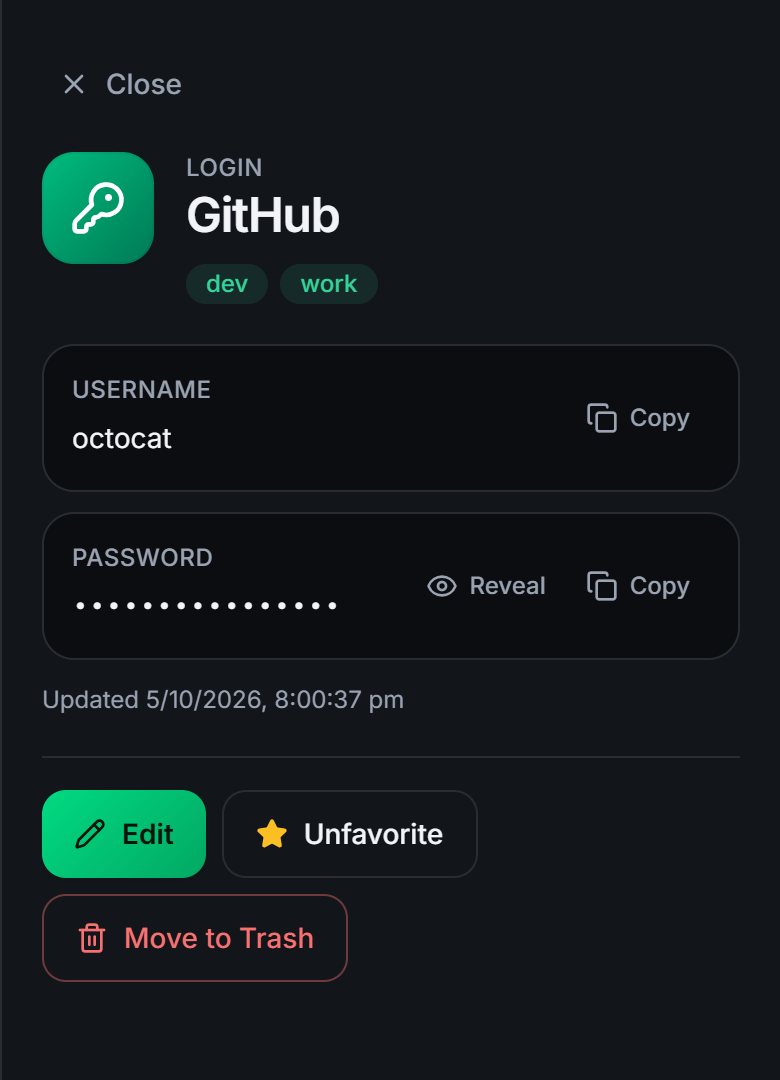
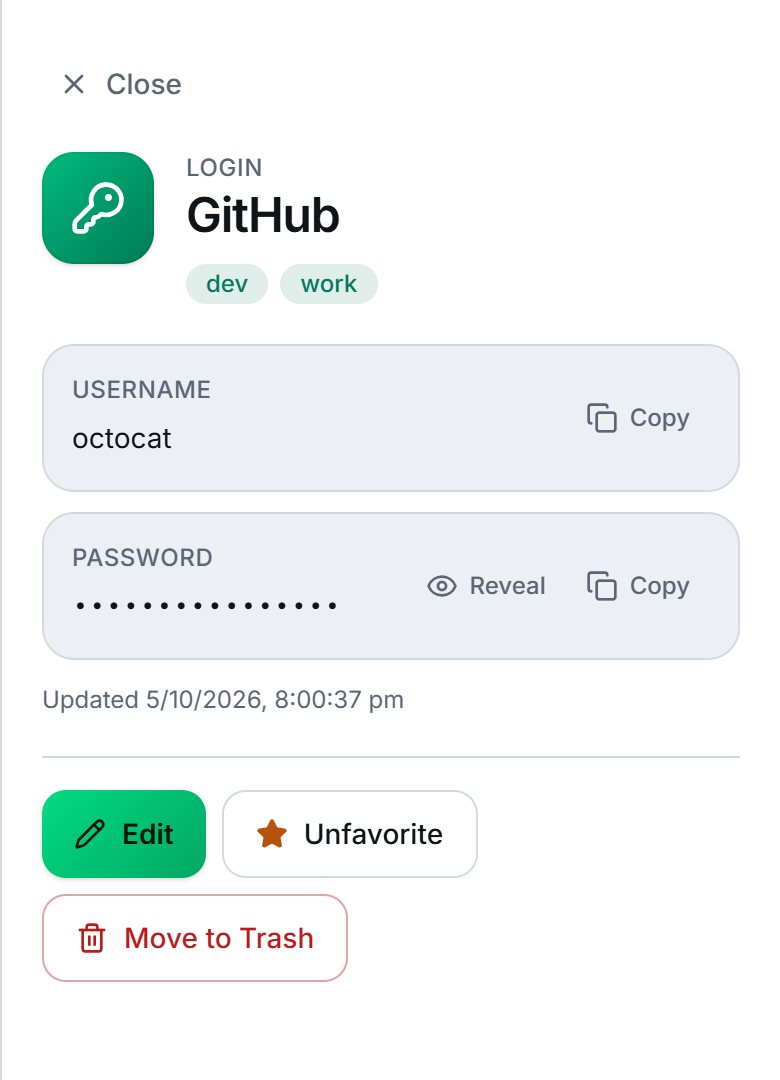
A clean interface that gets out of your way. Secrets are hidden until you reveal them, hide again by themselves, and your clipboard is cleared after you copy.
Unlock your way
On Windows, unlock with Windows Hello. On your phone, use the screen lock you already have. The unlock secret stays inside your device and is never sent to us, so your vault is no less private.
Pricing
Try everything free for 14 days. Then pay monthly, or pay yearly and save 10%.
₹69per month
Billed every month. Cancel any time.
Save 10%
₹745.20per year
That is ₹62.10 a month instead of ₹69. You save ₹82.80 compared with twelve monthly payments (₹828).
Every account starts with a 14-day free trial, with no card needed. Per account. Prices are in Indian rupees (INR); taxes may apply where required. If you do not choose a plan after the trial, your vault becomes read-only: you can still view and export everything, and nothing is deleted.
Straight talk
Security software should be honest about its limits. These are the things you might expect that are not here today.
FAQ
No. Everything is encrypted in your browser with a key derived from your master password. We store only ciphertext, and there is no administrator role with access to anyone's vault.
Nobody can reset it for you, because nobody can read your data. That is why GrailVault gives you a one-time recovery key when you sign up. With it you can set a new master password and keep everything. Without the master password and the recovery key, the data cannot be recovered.
You get 14 days with every feature, and no card is needed. If you do not choose a plan afterwards, your vault becomes read-only: you can still view, copy and export everything. Nothing is ever deleted because of a missed payment.
Yes. Export them from Chrome, Edge, Firefox, Safari, Bitwarden, 1Password or LastPass and import the file, with a preview first. See how to import.
Yes, in your phone's browser, and you can unlock it with your phone's lock. The autofill extension works in desktop browsers; a mobile app is something we want to build but it is not available yet.
₹69 per month, or ₹745.20 per year, which is 10% less than paying monthly. See pricing for the details.
Yes. Export an encrypted backup, or a CSV file for another program, whenever you like. You can also delete your account and all of its data from your settings.
Not by an independent third party yet. It uses well-reviewed cryptography (libsodium, Argon2id, XChaCha20-Poly1305, WebAuthn) rather than home-made algorithms, and the design is written down in the security documentation so you can check it for yourself.
Start your 14-day free trial. It takes a couple of minutes.